

Capture Your Journey
Follow three simple steps to create a personal testimony video entirely on your device, then share it with the world.
Step 1: Write out your story
Before you hit record, write out the four parts of your testimony. We will walk you through it, and your story will be right on screen when you record so you know exactly what to say.
Write Your StoryStep 2: Record your testimony
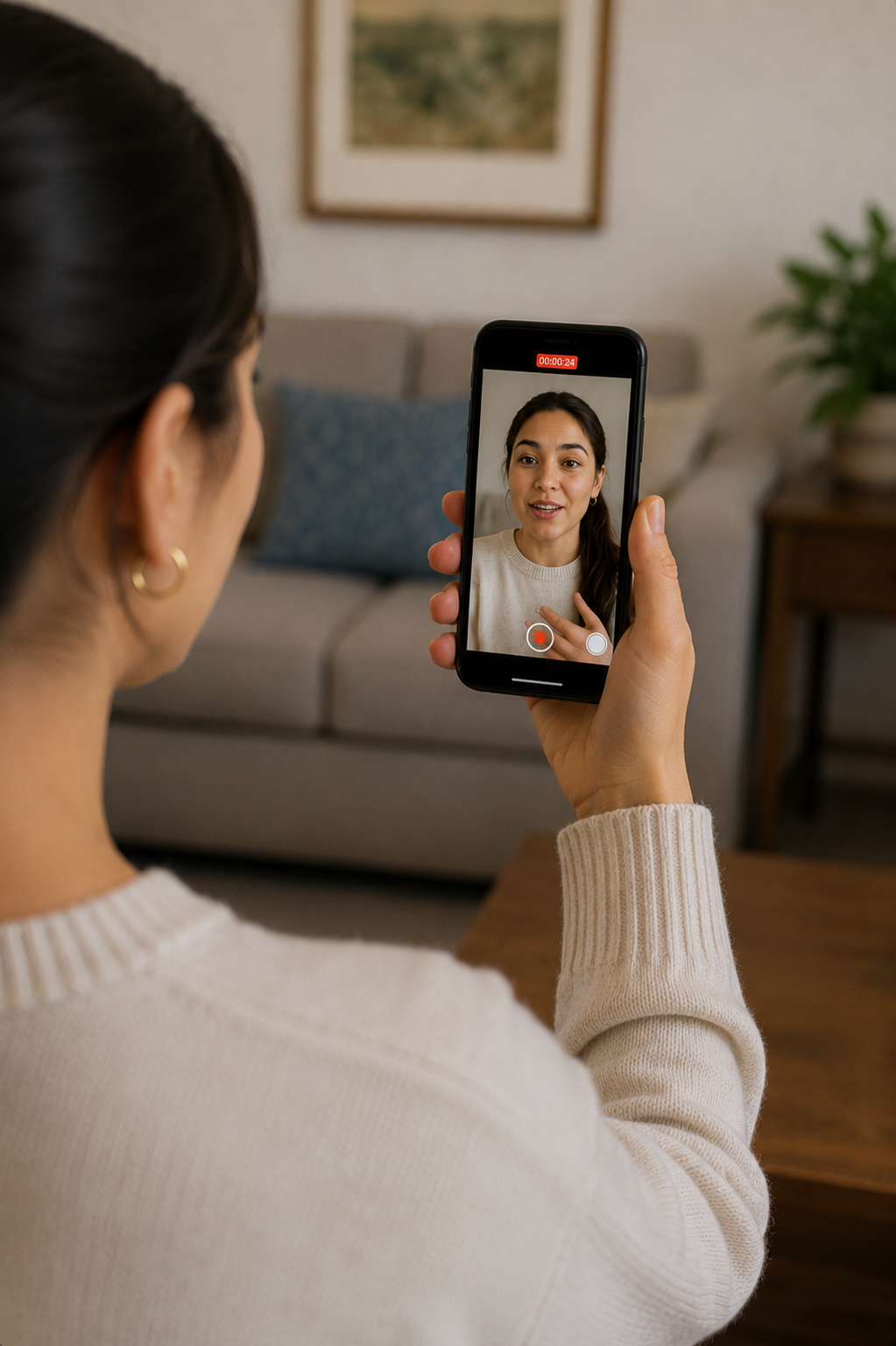
Capture your story directly in the app. Your written story scrolls on screen like a teleprompter so you can look at the camera and speak naturally. Aim for 3½ to 4 minutes.
Step 3: AI cleans up your recording
Our AI listens for filler sounds like ‘ums’ and ‘uhs’ and long awkward pauses, and quietly removes most of them so your story flows more naturally.
AI Optimization85% Complete
Um removedUh removedSilence trimmed
Step 4: Save to your camera roll
Once you're happy with the result, save the high-quality video directly to your photo album for easy sharing anywhere.
Save to Device